
CRM Automation Consultant
CRM automation that keeps context and movement connected.
I build AI CRM automation around lead capture, qualification, routing, follow-up, pipeline movement, and reporting so the record stays useful as work moves.
What CRM automation actually changes.
A CRM is useful only when the information inside it stays current and the next action is clear. Automation handles the repeated movement around the record: capturing source and intent, qualifying leads, assigning ownership, updating lifecycle stages, creating follow-up, and surfacing what needs attention.
The goal is not to automate the relationship. It is to stop the relationship from depending on someone remembering every administrative step.
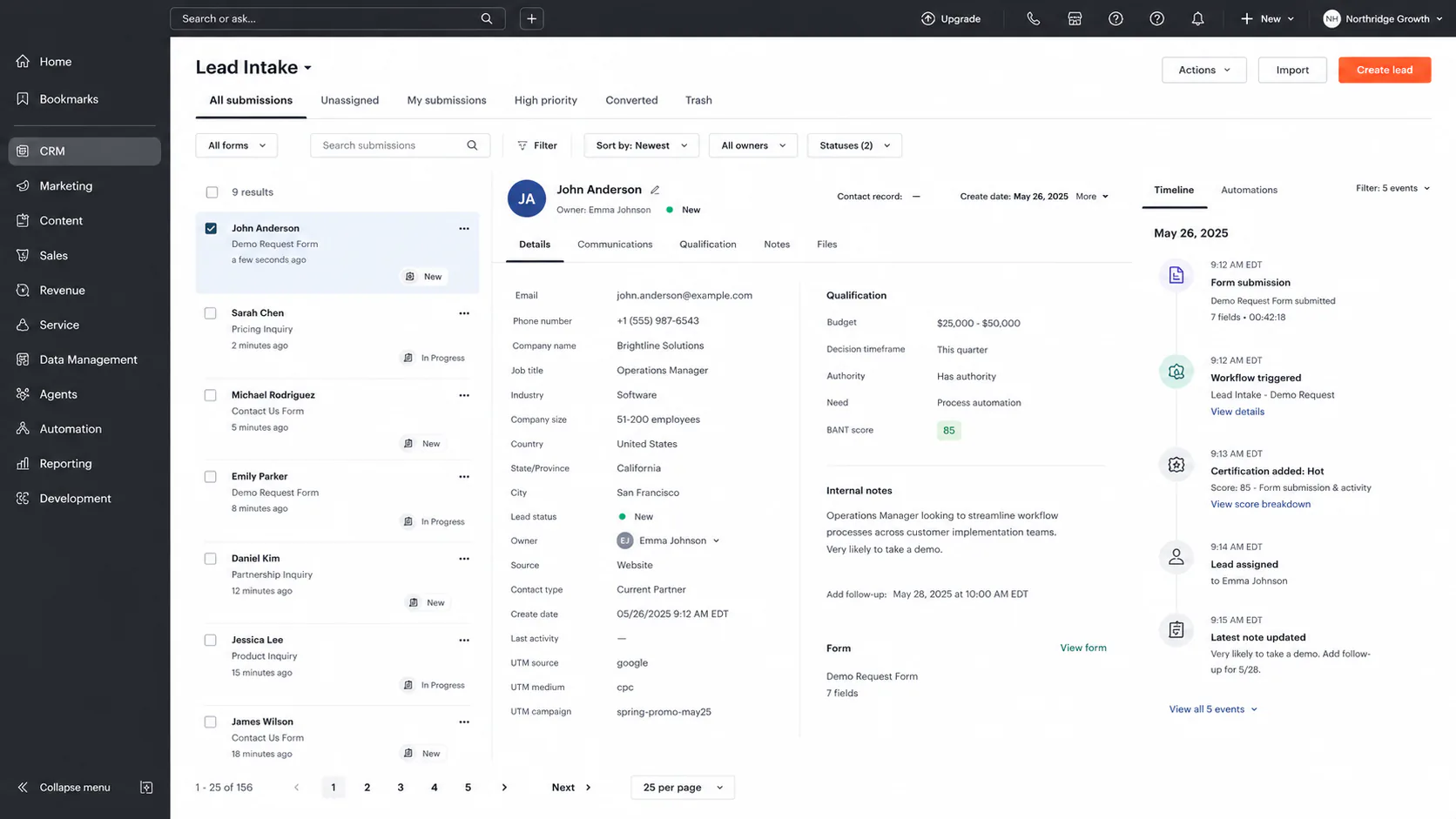
Lead intake
Forms, calls, ads, and referrals should enter the CRM with source, intent, and ownership already attached. The first handoff should happen before a lead becomes another tab someone has to remember.
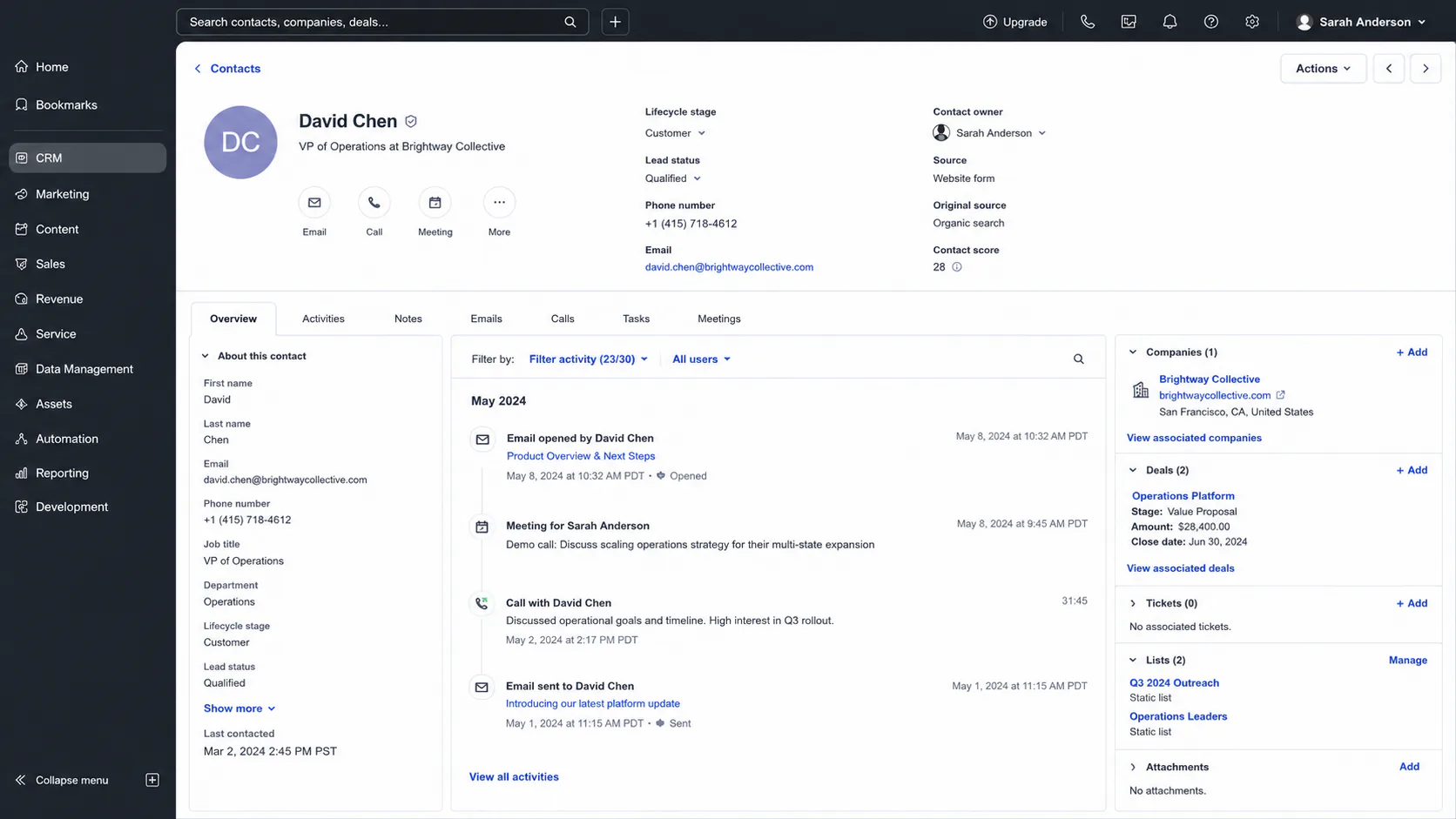
Contact context
A useful record is shared memory for the relationship: company, conversation history, lifecycle stage, owner, and next action. That context should survive every handoff.
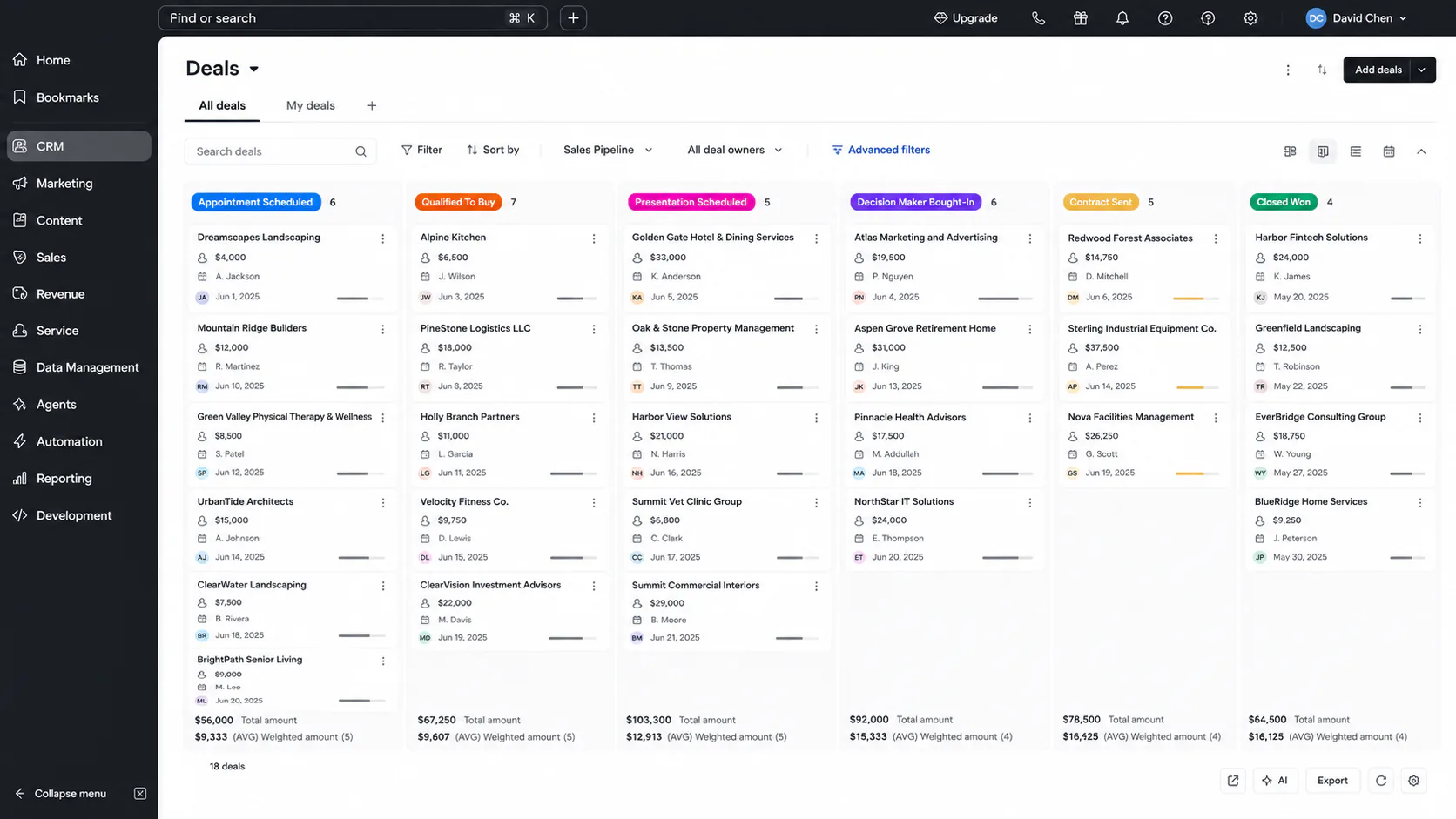
Pipeline movement
Pipeline stages should reflect reality instead of becoming a weekly cleanup task. Qualified opportunities move with clear ownership and an obvious next step.
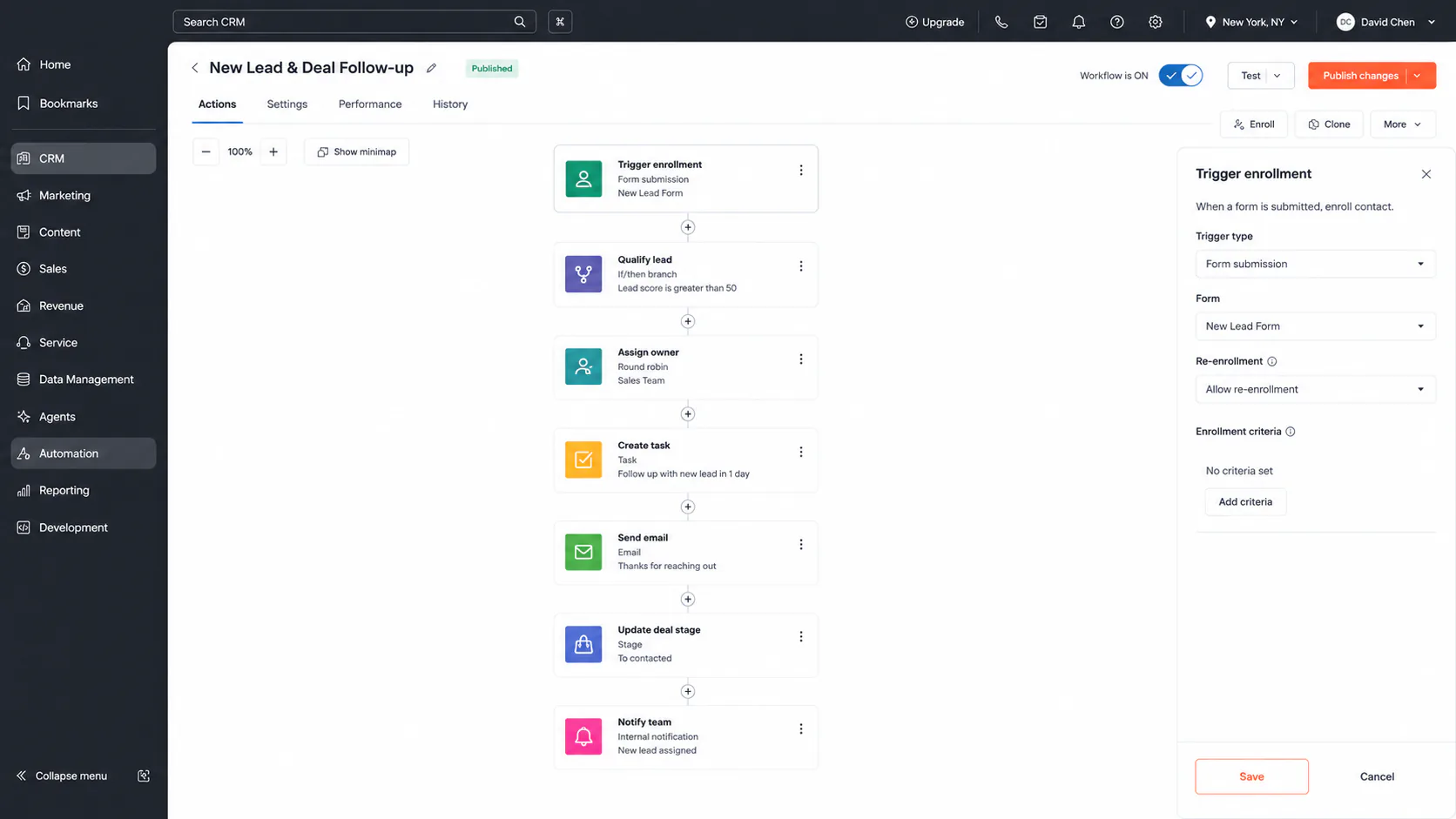
Workflow
Routing, reminders, tasks, follow-up, field updates, reactivation, and exceptions are the quiet work around the relationship. People handle judgment; the system handles repetition.
Reporting
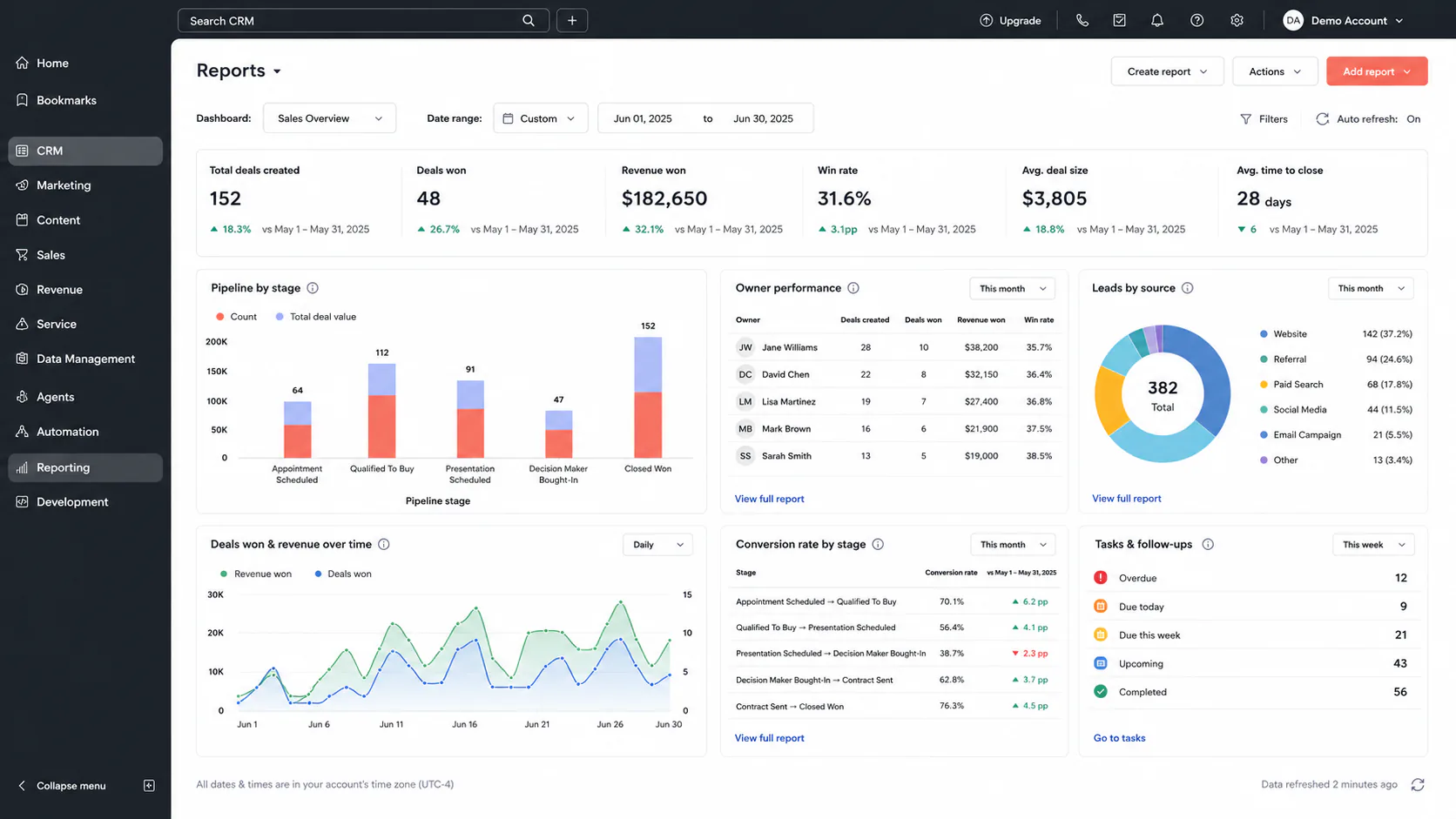
Reporting should answer operational questions: where leads come from, where deals stall, what needs attention, and what is actually converting.
How I approach it
Map the customer lifecycle, qualification signals, pipeline stages, and ownership first. Then automate the repeated movement around records and test the exceptions that still need a person.
Evidence from real work
In the C4I operating architecture, repeated CRM delivery became a reusable system with 4 operating pipelines, 19 published workflows, 5 calendar groups, 62 email templates, and structured onboarding. In a separate lead intake build, the website, call handling, tracking, forms, and CRM follow-up were connected as one visible lead path.
FAQ
What parts of a CRM can be automated?
Lead capture, source tracking, contact enrichment, qualification, lead scoring, routing, ownership, follow-up, task creation, lifecycle stages, reactivation, pipeline updates, and reporting can all be automated when the rules are clear.
How do you automate lead qualification and routing?
Start with the signals that define a useful lead, such as form answers, source, service fit, geography, timing, CRM history, or enrichment data. Business rules or AI-assisted classification can then score or classify the lead, assign an owner, update the CRM, and trigger the right follow-up while unusual cases stay visible for a person.
Does CRM automation replace the sales team?
No. Good CRM automation removes repeated administration and keeps context moving. People still handle judgment, conversations, exceptions, negotiation, and relationship decisions.
Which tools do you use for CRM automation?
I work with platforms such as GoHighLevel and HubSpot, plus n8n, Zapier, webhooks, and APIs when the CRM needs to exchange data with forms, ad platforms, project tools, reporting systems, or custom applications.
Can you audit or fix an existing CRM automation setup?
Yes. I can review the current pipelines, fields, routing, follow-up, duplicate handling, ownership, integrations, reporting, and failure points, then simplify or repair the parts that are unreliable before adding more automation.