
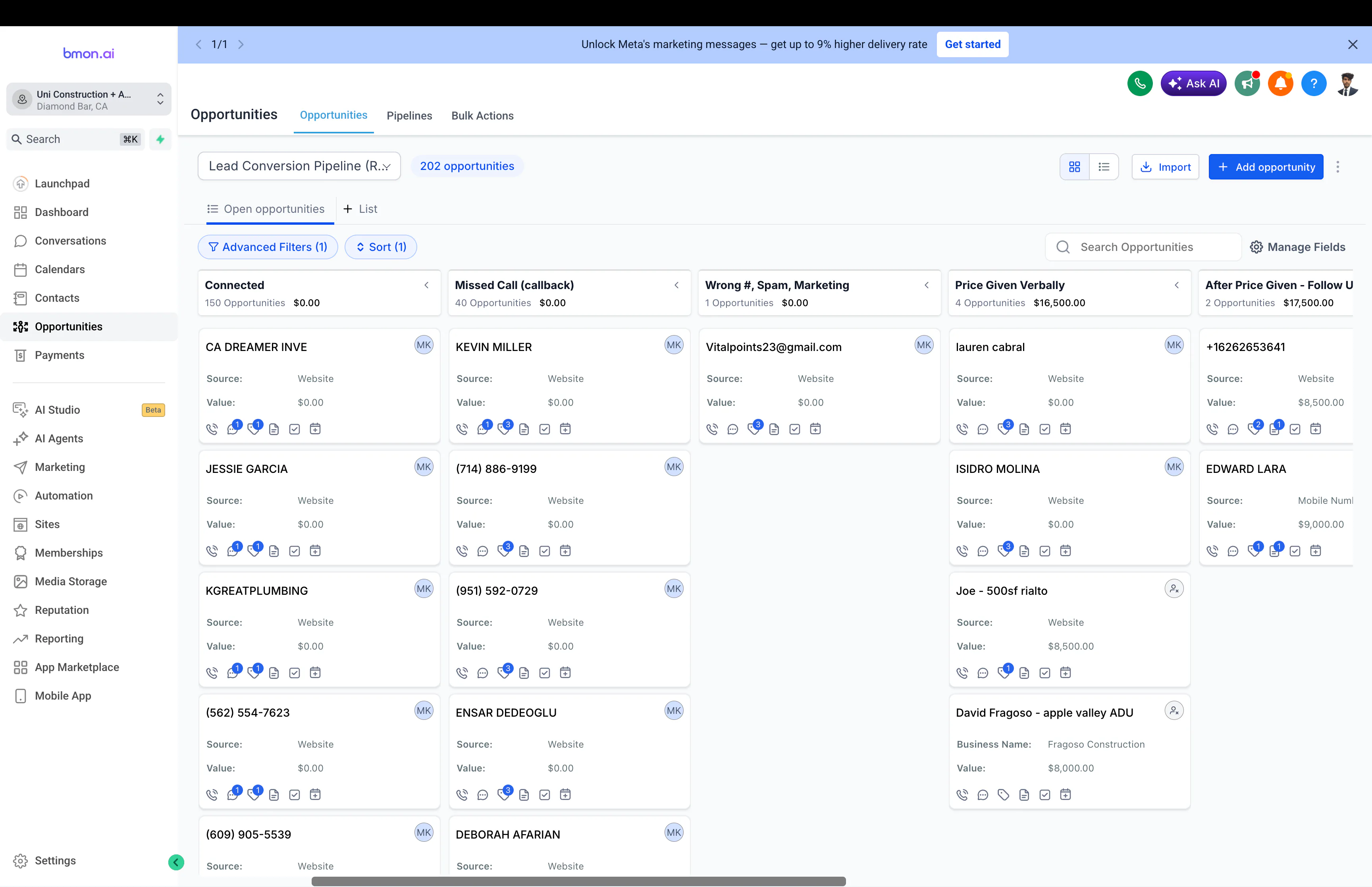
How to Automate Lead Follow-Up Without Losing the Human Touch
A lead asks for help.
Then they wait.
That little wait can become a big problem.
Not because the business does not care.
Usually because everybody is busy and follow-up lives in somebody's memory.
That is why lead follow-up is one of the best places to use automation.
But it is also one of the easiest places to make automation feel robotic.
The goal is not to send more messages.
The goal is to make sure the right next action happens, the right person owns it, and the automation stops when the situation changes.
If you want to map that system before building it, use the Lead Follow-Up Automation Planner.
Follow-up automation is a state system, not an email sequence.
The simplest version looks like this:
A person fills out a form.
The CRM creates or updates the lead.
The right owner is assigned.
A fast acknowledgement confirms the request arrived.
A task tells the owner what to do next.
If nothing happens, the system reminds them.
If the lead replies or books, the generic sequence stops.
If the lead never engages, the system writes a clear outcome instead of leaving them “in workflow” forever.
That last part matters.
A good follow-up system reacts to what the person actually does.
The first message does not need to be clever.
A fast, simple acknowledgement can be enough.
Something like:
Thanks. We got your request. Someone will reply shortly.
That is better than silence.
Then a real person can step in when the conversation needs context.
Automate speed. Keep judgement human.
The automated message should not pretend a salesperson personally typed it if they did not.
It should do one job well: reduce uncertainty and make the next step clear.
Ownership comes before cadence.
A sequence cannot rescue a lead nobody owns.
Before thinking about touch one, touch two, or touch seven, settle:
- who owns the lead
- why that person owns it
- what happens when the normal routing rule cannot assign
- whether an existing account or opportunity should keep ownership
- when the response clock starts
If ownership itself is messy, use the Lead Routing Rules Builder first.
The follow-up system should inherit a clear owner, not invent one halfway through the sequence.
What should be automated?
The repeatable parts around the conversation.
Acknowledgement
Let the person know the request arrived.
Assignment
Give the lead to the right owner based on a clear rule.
Response clock
Record when the lead arrived and when a meaningful response happens.
Reminders
If the lead has not been contacted, create a task or internal alert.
Bounded follow-up
Send a small number of useful messages when the lead is still eligible for them.
Status updates
When the lead replies, books, converts, disqualifies, opts out, or moves to nurture, write that state back to the CRM.
Escalation
If an important lead misses its response target, make that visible instead of silently waiting.
Those are good automation jobs because they reduce forgetting.
What should stay human?
Anything that needs judgement, emotion, negotiation, or trust.
For example:
- a complicated question
- a complaint
- a custom quote
- a sensitive situation
- a serious sales conversation
- a negotiation
- a prospect who has already explained their context
AI can help prepare an answer.
But a person should own the moment when the relationship matters.
The most important automation is the stop condition.
This is where follow-up systems often go wrong.
A person replies.
Then the automation sends another generic message twelve minutes later.
Or they book a meeting and still receive “want to schedule a call?” the next morning.
That makes the business look less attentive, not more.
Before every scheduled touch, the system should re-check whether the person is still eligible.
Common stop or branch events include:
- genuine reply
- booked meeting
- active opportunity
- disqualification
- customer state
- opt-out
- deliberate human takeover
A follow-up sequence that cannot reliably stop is not ready to scale.
Do not automate pipeline anxiety into spam.
One of the most useful business-owner questions I keep seeing is not really about copy.
It is about overload.
A salesperson may have dozens of active opportunities and feel reactive instead of proactive. They do not necessarily need more automated outreach. They need help seeing which deal needs attention next.
That changes the automation design.
Instead of only asking:
What message should we send?
ask:
- which leads have no next step?
- which opportunities have gone stale?
- which high-intent leads missed response?
- which deals have momentum but no upcoming action?
- which records are waiting on the buyer?
- which records should leave the active pipeline and move to nurture?
Sometimes the best follow-up automation is an internal operating system that surfaces the next human action.
That is a better use of automation than sending another generic “just checking in” email.
Where can AI help?
AI is useful when the input is messy.
It can help:
- understand what the lead is asking for
- summarize a long message
- pull context from CRM notes
- classify urgency
- draft a reply for review
- suggest a next action
- identify whether a reply is positive, negative, or needs a person
That does not mean AI should send everything automatically.
A safer pattern is:
Use rules for known business state. Use AI for fuzzy interpretation. Use a person when the consequence of being wrong matters.
That keeps the system understandable.
A practical follow-up flow
A strong first version can be small:
Form submitted
↓
Contact created or matched in CRM
↓
Lead source and context saved
↓
Owner assigned
↓
Response clock starts
↓
Quick acknowledgement sent
↓
Task created for the owner
↓
Reminder or escalation if nothing happens
↓
Automation exits when the lead replies or books
↓
Clear outcome written back to CRM
You do not need 27 messages.
You need a clear path.
Native CRM automation can be the best architecture.
If lead identity, owner, email, SMS, calendar, and lifecycle already live in HubSpot, GoHighLevel, Salesforce, or another CRM, keeping normal follow-up native can be simpler and safer.
Every extra automation platform introduces another place where state can drift.
Use an external layer when it solves a real cross-system problem:
- an important signal lives outside the CRM
- specialist messaging providers are involved
- the flow needs transformations or API work
- retry and recovery need more control
- several systems must coordinate around one event
Do not add n8n, Zapier, or Make just because the process is called automation.
If you are unsure where the flow belongs, use the Automation Architecture Advisor.
Start with one channel.
Do not begin with email, SMS, WhatsApp, calls, voicemail, social messages, and retargeting all at once.
Pick the channel where the buyer already expects to hear from the business.
Make the state model reliable.
Make the stop rules reliable.
Make ownership reliable.
Then add another channel if it earns its place.
A small system the team trusts is better than a giant system nobody wants to touch.
Measure the operating system, not just opens.
Open rates are not enough.
Useful follow-up metrics include:
- time to first meaningful response
- eligible leads actually enrolled
- reply rate by lead type
- booked meeting rate
- qualified opportunity rate
- missed response targets
- opt-outs
- failed messages
- duplicate enrollments
- owner handoff latency
- leads that finish the sequence without a clear outcome
These tell you whether the system is helping the business operate, not just whether an email pixel fired.
The CRM should remember so people do not have to.
Follow-up should not live only in somebody's head.
The CRM should show:
- who the lead is
- where they came from
- who owns them
- what happened already
- what happens next
- whether the response target was met
- why the automation stopped
That is why follow-up and CRM health are so connected.
If the CRM itself is messy, run the CRM Automation Health Check before making the cadence more sophisticated.
You can also see the broader system in my CRM automation work, sales automation work, and GoHighLevel systems.
The best follow-up automation feels like attention.
Not volume.
Not persistence for the sake of persistence.
Attention.
The business responds quickly.
The owner knows what to do.
The system remembers what already happened.
The automation stops when a person takes over.
And nobody gets forgotten because the day got busy.
The best lead follow-up automation feels less like a robot and more like a business that remembers.
Use the Lead Follow-Up Automation Planner to design the cadence, stop conditions, ownership, channels, and operating controls. If you need the wider picture, the automation tools hub connects follow-up with routing, CRM health, ROI, onboarding, and architecture.