
What I Learned Building AI Automations That Have to Work
AI automations look easy in a demo.
A form comes in.
AI reads it.
The workflow does something smart.
Done.
Real work is different.
In a real business, the automation has to keep working when the input is messy, the API is slow, a field is missing, or the AI gives a strange answer.
That changed how I think about AI automation.
The AI step is usually only one part of the workflow
A useful system might look like this:
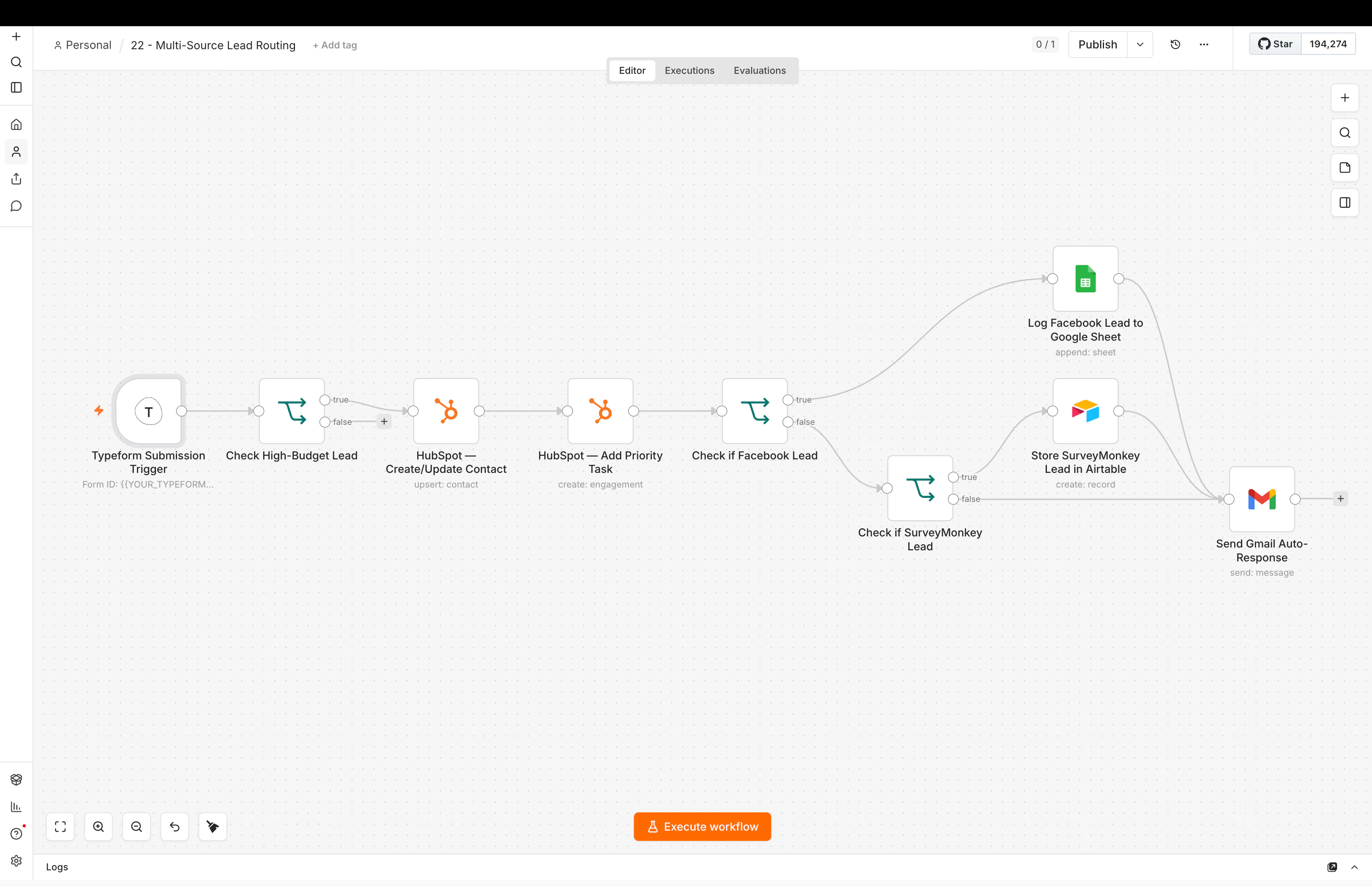
Lead → clean data → check CRM → get more context → AI classification → validate result → route owner → update CRM → send follow-up → log outcome
The AI is only one step.
Everything around it matters just as much.
Sometimes more.
Lesson 1: bad input creates bad automation
If the data coming in is messy, the workflow will be messy.
For example, one lead source may send:
phone
Another may send:
phone_number
Another may send:
mobile
If you do not clean that first, later steps become harder.
So I try to normalize data early.
I want the rest of the workflow to see one clear structure.
This also helps AI.
A model gives better results when the context is clean and easy to understand.
Lesson 2: use rules before AI when rules are enough
I like AI.
I do not use it for everything.
If the rule is simple, a normal condition is usually better.
For example:
If service = SEO, route to the SEO team.
No AI needed.
But if someone writes:
“I need help fixing our follow-up because leads from Meta are getting lost and nobody knows who owns them.”
AI can help understand the intent.
That is a better use of AI because the input is unstructured.
I go deeper into this in when to use AI in an automation and when to use rules.
Lesson 3: always validate AI output
This is one of the most important things I learned.
Do not assume the model will always return exactly what you asked for.
If the workflow expects one of these values:
- Hot
- Warm
- Cold
Then check that the result is actually one of those values.
If it is not, send the workflow to a fallback path.
The same idea applies to extracted fields, categories, summaries, and routing decisions.
AI can be flexible.
The system around it should be clear.
Lesson 4: keep important decisions visible
Some actions should not disappear inside a black box.
If AI helps qualify a lead, I want the CRM to show useful context.
For example:
- original lead message
- AI classification
- reason or summary
- owner
- source
- next action
This gives a person enough information to check the result.
It also makes debugging much easier later.
Lesson 5: build for failure before you need it
APIs fail.
Tokens expire.
Fields go missing.
People enter strange values.
CRMs return duplicates.
AI models time out.
If a workflow has no failure path, the business ends up finding errors by accident.
That is not a good system.
For important workflows, I think about:
- retries
- error alerts
- fallback values
- duplicate checks
- manual review paths
- logs
- safe stopping points
You do not need all of these in every workflow.
But you should know what happens when something breaks.
Lesson 6: a human handoff is part of the automation
Automation does not mean removing people.
A good workflow often makes the human step better.
For example:
AI can read a lead message.
The workflow can collect CRM history.
It can summarize the important context.
It can assign the correct owner.
Then a person can make the real sales decision.
That is still automation.
The point is not to remove judgment.
The point is to remove repeated work around judgment.
This is a big part of how I think about CRM automation and Revenue Operations automation.
Lesson 7: the workflow should be understandable later
A workflow can become clever very quickly.
That is not always good.
If you come back after three months and cannot understand why a branch exists, the system is too hard to maintain.
I try to keep logic clear.
I name important steps.
I separate jobs when one workflow is doing too much.
I leave the business rules easy to find.
Boring systems age better.
Lesson 8: AI should have a specific job
“Add AI” is not a useful requirement.
The AI should have a clear job.
For example:
- classify this message into one of five categories
- extract these four fields
- summarize these notes in three bullets
- draft a reply using this context
- compare this request with these qualification rules
The smaller the job, the easier it is to test.
The easier it is to test, the easier it is to trust.
Lesson 9: measure the business result
A workflow can be technically impressive and still be useless.
I want to know what changed.
Did response time improve?
Did fewer leads get lost?
Did CRM data become cleaner?
Did handoffs become faster?
Did the team spend less time copying information?
That matters more than how many nodes are in the workflow.
If you are deciding where to start, my guide on what small businesses should automate first explains how I choose a first use case.
A simple example
Imagine a lead form with a free-text message.
A weak workflow might be:
Form → AI → assign salesperson
A stronger version might be:
Form → clean fields → check existing CRM record → collect source context → AI classifies intent → validate category → apply business rules → assign owner → update CRM → alert owner → log result
That is less exciting to explain in ten seconds.
But it is much more useful in a real business.
The main lesson
Building AI automation taught me that the smartest step is rarely the whole system.
The real work is making the process clear enough that AI can help without making the business harder to understand.
A good AI automation should still make sense when the AI step is only one box in the middle.
You can see more examples in my n8n automation work and AI automation services.
Further reading
Automation communities often point out the same gap between tutorials and production: real workflows need error handling, clean data, logs, and a plan for edge cases. This discussion on things nobody warns you about when learning automation is a good example.