
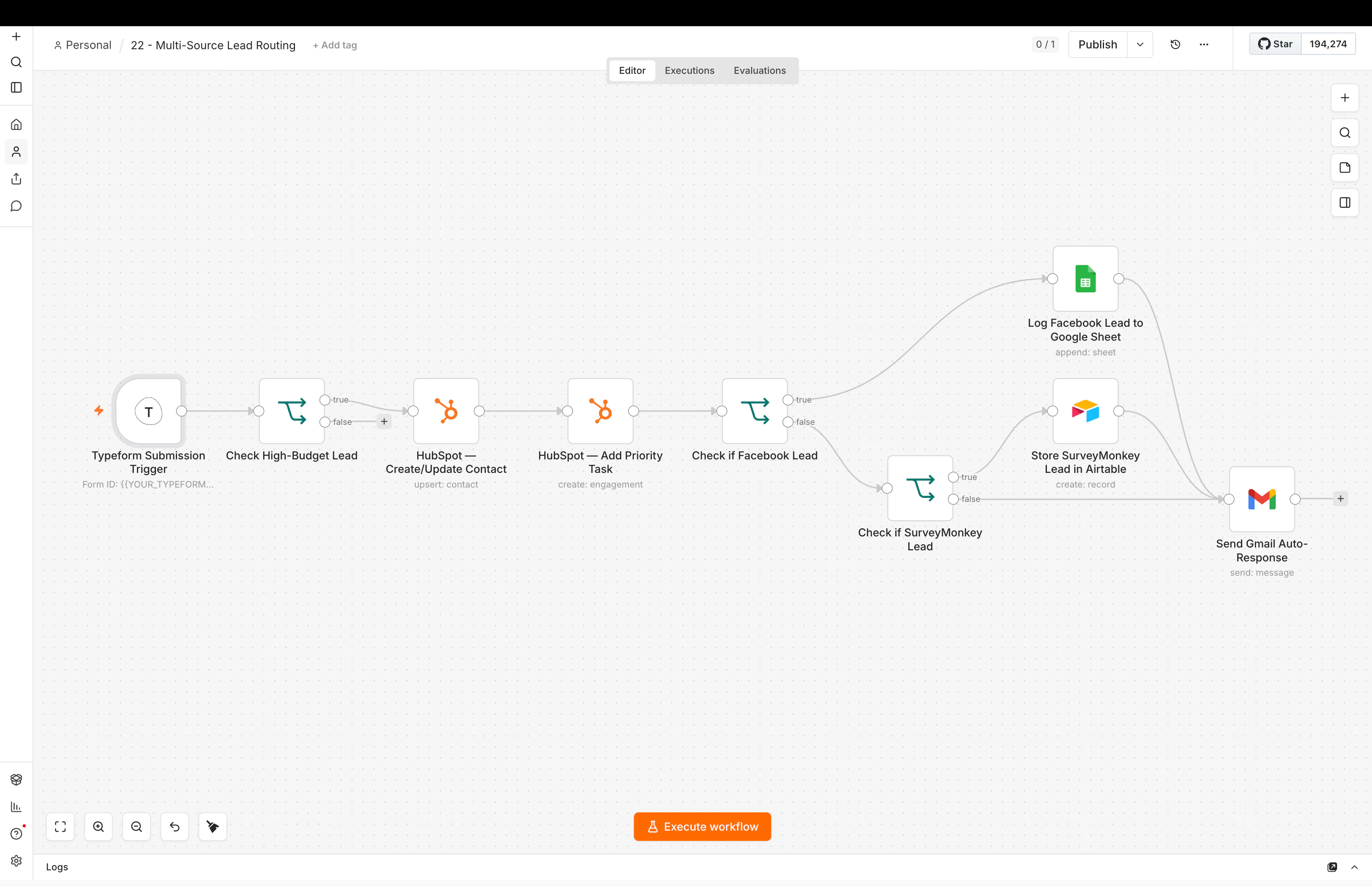
When Should You Use AI in an Automation, and When Should You Use Rules?
This is one of the most useful questions in AI automation.
Not:
Where can I add AI?
But:
Does this step actually need AI?
A lot of automations become harder than they need to be because AI gets added to simple decisions.
I prefer a mixed system.
Use rules when the answer is clear.
Use AI when the input is messy or needs interpretation.
Use rules when the logic is exact
Imagine a lead form has a country field.
You want UK leads to go to one person and US leads to another.
That is a normal rule.
You do not need an AI model to decide it.
The logic is simple:
If country = UK → owner A
If country = US → owner B
Rules are useful because they are easy to test.
The same input gives the same output.
Use AI when the input is not clean
Now imagine the lead writes:
“We are getting leads from ads but they sit in the CRM too long and nobody knows who should follow up.”
There is no simple dropdown value telling you what they need.
AI can help interpret the message.
It might classify it as:
CRM automation / lead routing / follow-up
That is a better AI job.
The input is unstructured.
The model adds useful interpretation.
A simple rule I use
I ask:
Could I explain this decision with a normal if/then rule?
If yes, I usually start with the rule.
If the decision depends on meaning, context, tone, or messy text, AI may help.
Good uses for AI inside automation
AI is useful for things like:
- classifying a free-text message
- summarizing notes
- extracting fields from messy text
- drafting a reply
- matching a request to a category
- turning long context into a short brief
- comparing text against clear criteria
These are jobs where language understanding helps.
Good uses for normal rules
Rules are usually better for:
- routing by country
- checking whether a field is empty
- checking whether a contact exists
- sending a reminder after a fixed time
- moving a pipeline stage
- comparing numbers
- checking a status
- deciding whether an API response succeeded
These jobs do not need interpretation.
Why rules are safer for clear decisions
Rules are predictable.
That matters.
If a workflow decides who owns a lead based on territory, you probably want the same territory rule every time.
You do not want a model to “think” about it.
This is especially important when the action changes customer data, money, permissions, or other important records.
The more important the decision, the more I want the logic to be visible and testable.
AI still needs boundaries
Even when AI is useful, I do not like giving it unlimited freedom.
For example, instead of asking:
“Decide what to do with this lead.”
I would rather ask:
“Choose one category from CRM Automation, Marketing Automation, Website Project, or Other.”
That gives the model a smaller job.
Then the workflow can use normal rules after the classification.
So the system becomes:
Messy text → AI category → normal routing rules
That is easier to test than:
Messy text → AI decides everything
AI plus rules is often the best setup
This is the pattern I use a lot.
For example:
- A lead enters the system.
- Normal rules clean the fields.
- The CRM is checked for an existing contact.
- AI reads the free-text message.
- The workflow checks whether the AI result is valid.
- Normal rules route the lead.
- The CRM is updated.
- A person gets the context.
AI handles the part that needs interpretation.
Rules handle the parts that need consistency.
This is one of the main ideas behind the systems I build for CRM automation.
What about AI agents?
AI agents can use tools and make decisions across several steps.
That can be useful.
But I still ask the same question:
Does this process need flexible reasoning, or does it already have clear rules?
If the process is fixed, a normal workflow may be simpler and safer.
If the process changes based on context and the agent needs to choose tools, AI may make more sense.
Do not use an agent just because the workflow has many steps.
Many steps do not automatically mean the process needs intelligence.
Cost and speed matter too
A normal condition is fast and cheap.
An AI call adds:
- model cost
- extra time
- another service that can fail
- less predictable output
That does not mean AI is bad.
It means the AI step should earn its place.
If the value is only “this looks smarter,” I would probably remove it.
How I test an AI step
I do not test only the perfect example.
I test:
- short input
- long input
- missing details
- strange wording
- unrelated messages
- conflicting information
Then I check whether the output still fits the categories the workflow expects.
If not, I add a fallback.
This is part of what I learned from building AI automations that have to work.
A lead qualification example
Imagine you want to qualify leads.
Some signals are clear:
- service area
- budget range
- country
- company size
Those can be rules.
Other signals may be hidden inside a message:
- urgency
- business problem
- project type
- whether the request sounds like a fit
AI may help there.
The final workflow can combine both.
That is usually stronger than making the model responsible for everything.
You can see a related system in my lead generation and AI intake case study.
The main lesson
AI is best when it solves uncertainty.
Rules are best when the answer is already known.
Use AI for interpretation. Use rules for certainty. Then connect the two.
If you want a broader starting point, read AI automation for small business: what should you automate first?.