
Is n8n Overkill for a Small Business?
Sometimes, yes.
Sometimes, no.
The answer depends on the workflow.
A lot of small businesses hear about n8n and think they need it because it is powerful.
Power is not the goal.
A clean system is the goal.
If a simple tool can solve the problem well, I would use the simple tool.
Start with the process, not the platform
Before choosing n8n, I ask:
- What starts the process?
- Which tools are involved?
- How many decisions happen in the middle?
- Does the workflow need an API?
- Does it need custom data work?
- Does it need AI?
- What happens when something fails?
- Who will maintain it later?
These questions tell you more than a feature list.
When n8n may be overkill
Imagine this workflow:
New form → create contact → send Slack alert
That is simple.
If your form and CRM are already supported by Zapier, the fastest answer may be Zapier.
If the CRM can do the workflow by itself, you may not need Zapier or n8n at all.
GoHighLevel, HubSpot, and other CRMs already include useful native automation.
Adding another platform can create more things to maintain.
That is not always a win.
When n8n starts to make sense
Now imagine this:
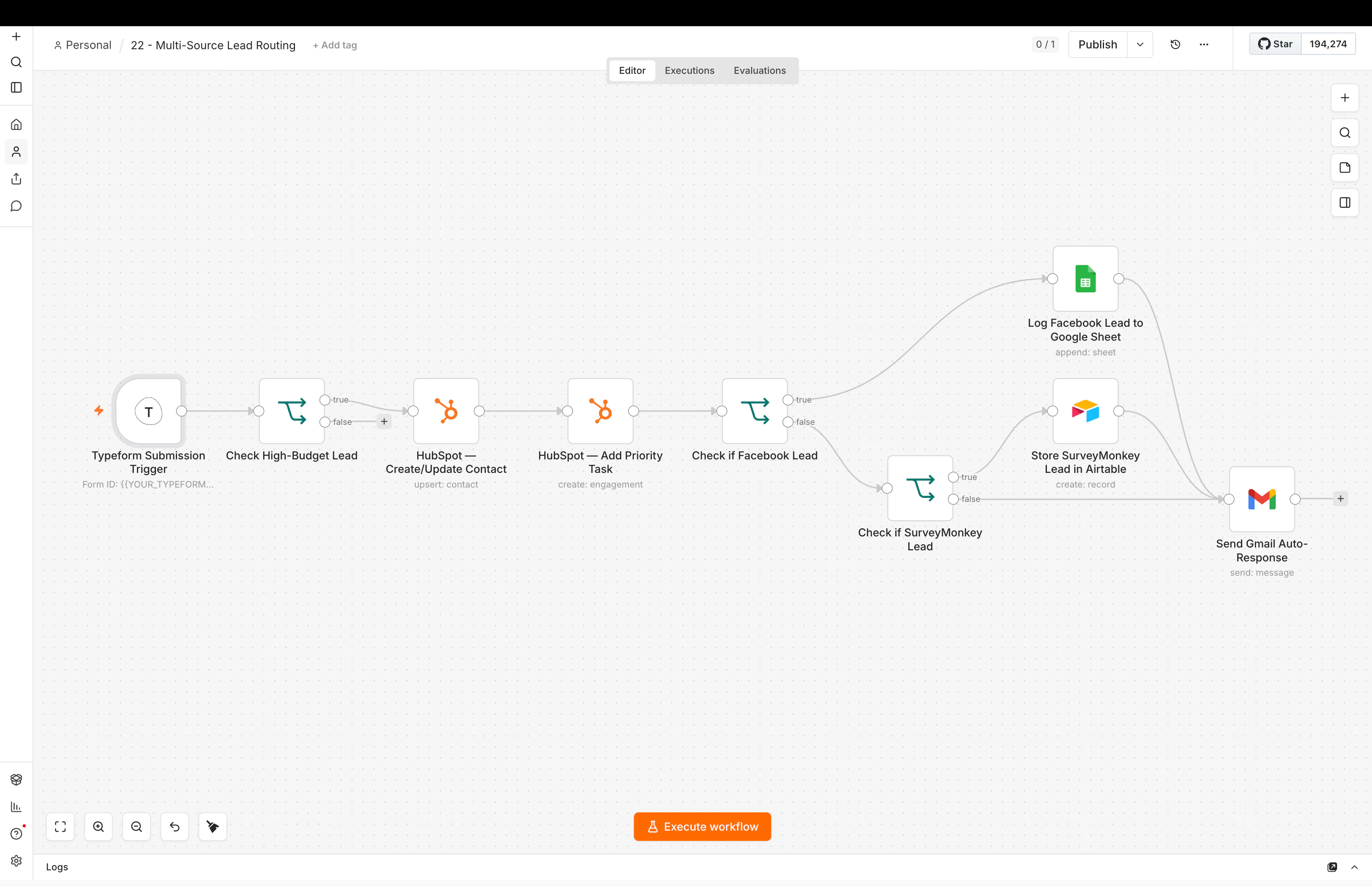
Meta lead → clean fields → check duplicates → enrich company → check service fit → look up CRM history → classify free-text message → assign owner → update pipeline → alert sales → start follow-up → log attribution
That is different.
There are more systems.
There are more decisions.
There is more data to inspect.
There are more places where the workflow can fail.
This is where n8n becomes much more useful.
n8n is strong when the workflow needs control
I like n8n for work that needs things such as:
- API calls
- several branches
- custom data cleanup
- CRM lookups
- webhooks
- database steps
- AI classification
- reusable sub-workflows
- custom code
- deeper error handling
The value is not that n8n can do everything.
The value is that it gives you room when a workflow grows beyond a basic app handoff.
But more control means more responsibility
This is the part people sometimes miss.
With more control, you also need to think about:
- credentials
- errors
- retries
- duplicate records
- logs
- hosting if you self-host
- workflow ownership
- changes to APIs
If a business has no one who can look after the system, that matters.
A tool is not a good fit just because it is technically capable.
The business also needs to operate it.
What about cost?
People often compare tools only by monthly price.
That can be misleading.
The real cost includes:
- software price
- build time
- maintenance time
- debugging
- failed workflows
- training
- switching costs later
A cheap platform that takes many hours to maintain can be expensive.
A more expensive tool that a team can understand may be cheaper in practice.
This is why I prefer to compare the whole system, not only the subscription.
A simple decision rule
Here is a practical way to think about it.
Use CRM-native automation when:
The whole process already lives inside the CRM.
For example:
New lead → assign owner → move stage → send follow-up
If GoHighLevel can do that cleanly, keep it there.
You can see the kinds of workflows I build on my GoHighLevel automation page.
Use Zapier when:
The workflow is mostly a clean connection between common apps.
For example:
Stripe → HubSpot → Slack
Zapier can be a very good fit because setup is fast.
Use n8n when:
The workflow needs more control over data, APIs, logic, or AI.
For example:
Lead source → enrichment → CRM history → qualification → routing → reporting
That is the kind of work I show in my n8n automation examples.
Use custom code when:
The automation is really becoming part of a product.
If you need a custom interface, complex permissions, low-level performance control, or product-specific behavior, code may be the cleaner answer.
My n8n vs Zapier comparison goes deeper into this decision.
Do not move to n8n because it looks more advanced
This is an easy trap.
A more advanced tool does not automatically create a better system.
Sometimes a three-step Zap is better than a 30-node n8n workflow.
Sometimes the 30-node n8n workflow is exactly what the business needs.
The question is not:
Which tool looks more powerful?
The question is:
Which setup is easiest to trust, understand, and maintain for this process?
What I would do for a small business
I would start with one process.
Maybe lead follow-up.
Maybe customer onboarding.
Maybe weekly reporting.
Map it.
Build the smallest useful version.
Use the simplest tool that can handle it.
Then watch what happens.
If the workflow grows, you can move to a more flexible tool later.
You do not need to design the final automation platform for the next five years on day one.
The main lesson
n8n is not automatically too much for a small business.
But it can be too much for a simple problem.
Use n8n when the workflow needs its control. Do not use it just because it is powerful.
If you are still deciding what to automate first, start with AI automation for small business: what should you automate first?.
Further reading
The n8n community has many versions of this same question from non-developers and small-business users deciding between n8n and simpler tools. One useful discussion is whether the n8n learning curve is worth pushing through.