
Client Onboarding Automation: Examples and a Simple Workflow
Quick answer: client onboarding automation uses triggers and workflow rules to handle repeatable setup after a sale, such as welcome messages, intake, file collection, project creation, reminders, scheduling, ownership, and CRM updates.
A reliable baseline flow is:
Signed or paid → readiness check → intake → project and folders → owner assigned → kickoff prepared → reminders → delivery
That is also what people mean by automated client onboarding. The useful part is not making every step automatic. It is making sure repeatable setup happens consistently while the relationship and judgement stay human.
A customer says yes.
That should feel like a good moment.
But inside many businesses, it creates a small explosion of manual work.
Someone sends a welcome email.
Someone asks for files.
Someone creates a folder.
Someone creates a project.
Someone books a kickoff call.
Someone tells the delivery team what was sold.
Someone checks whether the client completed the form.
That is a lot of “someone.”
Client onboarding automation helps the repeatable parts happen without relying on memory.
The goal is not to remove people from onboarding. The goal is to make sure the right information, tasks, reminders, and handoffs happen at the right time so the client gets a calmer experience.
If you want to map the process before building it, use the Client Onboarding Automation Planner. It focuses on the parts that usually decide whether an onboarding flow is actually reliable: the start trigger, readiness gate, handoff, access, ownership, reminders, duplicate protection, and exception handling.
What should onboarding automation do?
It should make the first days easier.
For the client.
And for the team.
A simple automated onboarding flow can:
- send the welcome message
- share the intake form
- collect basic company details
- ask for files and access
- create a project or task list
- create folders
- notify the delivery team
- send reminders for missing information
- book or prepare the kickoff call
- write onboarding status back to the CRM
Those are repeatable transitions.
That makes them good automation candidates.
Common client onboarding automation examples
The best automations usually connect steps that already belong together.
A few practical examples:
- Closed-won to welcome: when a deal is genuinely ready for onboarding, assign the owner and send one clear next step.
- Payment or signature gate: if delivery should not begin until commercial requirements are met, wait for them explicitly instead of assuming “won” means “ready.”
- Intake to delivery: send one structured intake, then move the answers into the CRM and project workspace.
- Missing information reminders: check whether required fields, files, access, or approvals are still missing and remind the right person.
- Kickoff preparation: create a short internal brief from the sales handoff and intake answers before the kickoff call.
- Project setup: create the project, folders, standard tasks, and team notifications once the client is actually ready.
- Status visibility: update the CRM as onboarding moves from sold to onboarding to ready to delivery.
These are useful because they reduce copying and chasing while keeping ownership visible.
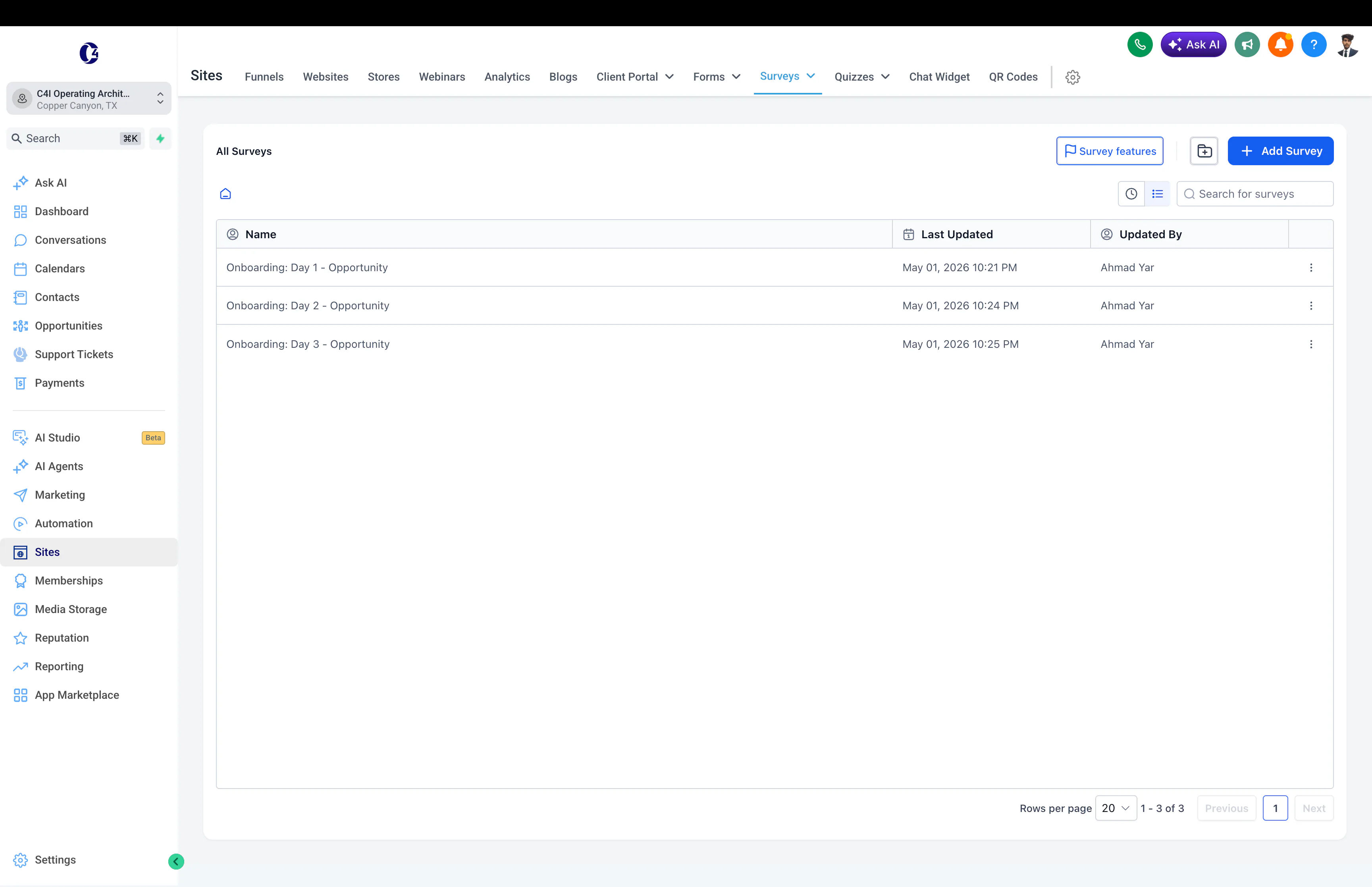
For a real platform example, my GoHighLevel automation work includes onboarding surveys, calendars, CRM workflows, and client delivery systems.
Sold is not always ready.
This is one of the most important onboarding decisions.
Some businesses can start delivery as soon as the deal is marked won.
Others need:
- signed contract
- deposit or payment
- compliance approval
- completed intake
- access to required systems
- internal assignment
If those conditions matter, model them explicitly.
A useful state model is:
Sold → Onboarding → Ready → Delivery
That small distinction prevents a common failure: creating projects, tasks, folders, and client communications before the business is actually ready to serve the client.
The Onboarding Automation Planner calls this a readiness gate because it gives the workflow one clear answer to “can delivery safely begin?”
Client onboarding vs customer onboarding automation
For most service businesses, the two phrases describe nearly the same process.
Client onboarding automation is common when you sell services, consulting, agency work, or professional work.
You may also see the same idea described as automated client onboarding when people are looking for a workflow that handles the repeatable setup and reminders after a sale.
Customer onboarding automation is common in software, ecommerce, subscriptions, and customer-success teams.
The workflow can still be very similar:
Sale → welcome → collect information → create access or project → assign owner → prepare kickoff → track progress
The useful business lesson is the same: do not build two different systems just because people use two different words for the same handoff.
What should you never automate in client onboarding?
Do not automate the moments that require judgement, trust, empathy, or a real conversation.
You can automate the scheduling, reminders, preparation, and record updates around those moments. The moment itself should stay human.
That usually includes:
- understanding what success means to them
- asking a difficult follow-up question
- spotting something unusual
- setting expectations
- explaining trade-offs
- making a judgement call
- handling a scope conflict
- building trust on the kickoff call
Automate the setup around the relationship. Do not automate the relationship itself.
Start with a clear handoff from sales.
A lot of onboarding problems begin before onboarding.
Sales closes the deal.
Then delivery receives a name and an email address.
That is not enough context.
A better handoff can include:
- what the client bought
- the main goal
- important promises
- key dates
- decision makers
- tools or accounts involved
- risks or unusual requirements
That information should move with the client.
The client should not have to repeat the same story three times.
This is where CRM automation becomes important. The CRM should keep the commercial context attached to the record so onboarding can use it instead of starting from zero.
If the CRM cannot reliably answer who owns the client, what was sold, or whether the record is complete, run the CRM Automation Health Check before adding more onboarding logic.
Use one intake, not ten little questions.
A good onboarding form can collect structured information once.
Then automation can place that information where the team needs it.
For example:
Intake form → CRM → project tool → folder → team notification
The client fills the information in once.
The system does the copying.
That is useful automation.
The form should only ask for information that will actually be used. If an answer affects setup, routing, access, messaging, or delivery, it belongs in the intake. If nobody uses it, it probably does not.
Access is part of readiness.
Business owners often describe onboarding as “waiting for the client.”
What they are usually waiting for is something concrete:
- login
- ad account access
- brand files
- analytics
- domain or DNS access
- product information
- payment details
- approval
Treat those as visible states instead of burying them in email threads.
The workflow can remind the client, but it should also show the team exactly what is blocking progress.
That turns chasing into operations.
A practical client onboarding automation stack
You do not need a huge software stack.
A simple setup might use:
- a CRM to hold the client record and sales context
- a form or survey for structured intake
- a project tool for delivery tasks and ownership
- cloud storage for files and shared assets
- email or Slack for internal notifications
- an automation layer such as GoHighLevel, Zapier, or n8n to connect the handoffs
The exact tools matter less than the flow between them.
If the handoff logic is clear, the automation can stay simple. My n8n workflow catalog includes onboarding workflows that connect intake, project setup, files, team communication, and welcome steps.
If the process mainly needs clean handoffs between common tools, these Zapier automation examples show the same trigger-and-next-step idea across CRM, projects, payments, and onboarding.
If you are unsure whether the workflow belongs natively in the CRM or in an external automation layer, use the Automation Architecture Advisor.
How to automate client onboarding step by step
Keep the first version small.
Step 1: choose the authoritative start event
Pick one event that clearly means onboarding may begin.
For example:
- deal marked won
- contract signed
- invoice paid
- compound condition such as signed and paid
Do not let five different triggers start five different versions of the process unless the business actually needs that.
Step 2: define the readiness gate
Write down what must be true before delivery can safely start.
This can include commercial status, intake, access, assigned owner, and delivery workspace.
Step 3: decide what information must move
Write down what delivery needs from sales.
That might include scope, contacts, goals, dates, access, and promises already made.
Step 4: create the first client action
Usually this is one clear welcome message with one next step.
For example: complete the intake form or provide access.
Step 5: automate the internal setup
Create the repeatable things:
- project
- folders
- tasks
- owner
- CRM state
- team notification
Store important created IDs back on the source record so retries do not create duplicates.
Step 6: add reminders and exceptions
If the client does not complete the intake, send a reminder.
If project creation fails, alert a person.
If the trigger is delivered twice, do not create the whole onboarding twice.
Step 7: stop automation where judgement starts
The kickoff call, unusual requirements, expectation setting, and scope decisions should still feel human.
Where can AI help?
AI can help turn messy input into something easier to use.
It can:
- summarize a long intake form
- group answers by topic
- draft a kickoff brief
- flag missing information
- turn notes into tasks
- prepare questions for the team to review
But AI should not invent missing facts.
If something important is unclear, the workflow should ask a person.
AI is most useful here as a preparation layer, not as the final decision maker.
Is client onboarding automation worth it?
It is usually worth automating when the same setup work happens repeatedly and manual chasing is creating delay, missed steps, or unnecessary admin.
It may not be worth building a complex system if you onboard very few clients and a clear manual checklist already works.
The better question is:
Does this process repeat often enough, and fail often enough, that removing the repeated admin would create real value?
If yes, automate the stable parts first.
How to measure whether onboarding automation is working
Do not measure success by the number of workflows you built.
Measure whether onboarding becomes easier to run.
Useful signals include:
- time from commercial readiness to welcome
- intake completion rate
- time waiting for access or assets
- number of manual reminder messages needed
- time from sale to ready-for-delivery
- duplicate setup incidents
- failed setup actions
- number of missing-information issues found during kickoff
- whether delivery receives the context it needs before work starts
A good onboarding system should reduce delay and confusion without making the client feel like they are talking to a machine.
Do not automate a broken onboarding process.
Before building anything, write down what should happen after a sale.
Ask:
- What makes the client safe to onboard?
- What does the client need first?
- What information does delivery need?
- Who owns the onboarding?
- What can happen automatically?
- Where should a person check the work?
- What happens when something is missing or fails?
If nobody agrees on the answers, fix that first.
Automation cannot rescue a process nobody understands.
The best onboarding feels calm.
The client should not see a complicated backend.
They should feel something simple:
I know what happens next.
The team should feel the same thing.
That is the real value.
Use the Client Onboarding Automation Planner to map your trigger, handoff, readiness gate, setup, reminders, ownership, and recovery path. Then use the automation tools hub if you also need to pressure-test the CRM, ROI, architecture, routing, or follow-up around it.
I show related work in my GoHighLevel systems, CRM automation work, n8n workflows, and case studies.
Good onboarding automation removes chasing, copying, and remembering so people can focus on the client.