
How to read an image's Content Credentials
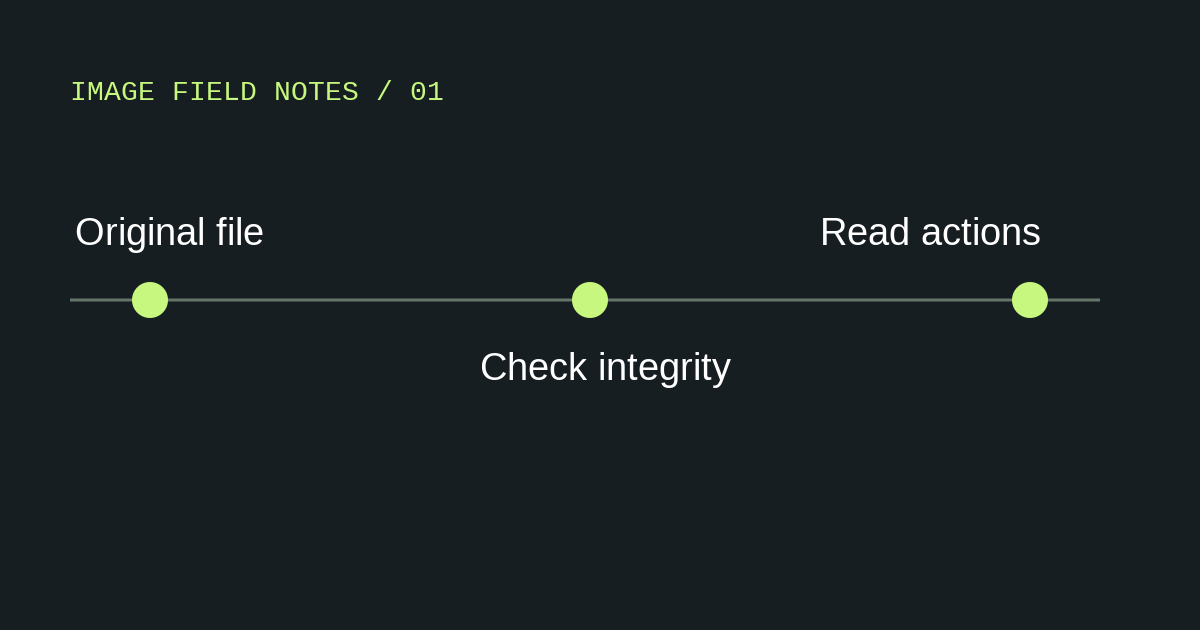
Start with the file you received from the creator, not a screenshot of it. A screenshot can show exactly the same picture while carrying none of the signed history of the original.
Read the action before the name
Drop the original into the Content Credentials Inspector. Look at the creation step first. For example, a record might list gpt-image as the creation tool and OpenAI OpCo, LLC as the signer. Those fields answer different questions: one identifies software named in an action; the other identifies the signer recorded in the credential. A company name alone is not enough to identify a model.
A later conversion step is not another creation event. If the file records a format change after generation, report both steps rather than treating the converter as the generator.
Separate integrity from identity
An integrity check asks whether the signed record and the file still match. It does not tell you whether the depicted event happened. This inspector checks embedded credentials; it does not check the signer against a trust list. If validation fails, do not present the listed actions as verified facts.
When there is no record
Write “No embedded credential found in this copy.” Avoid “This was made by a human.” Both a camera export and an AI-generated image can arrive without a credential. If the origin matters, request the original and inspect that file separately. For a concrete comparison, see what changes when you export a fresh JPG.