
What changes when you export an image without C2PA metadata?
Think of the export as two files with different jobs. The original is your record of what you received. The JPG is a delivery copy. Keep both if a client, editor or archive may need to trace the image later.
Make a delivery copy
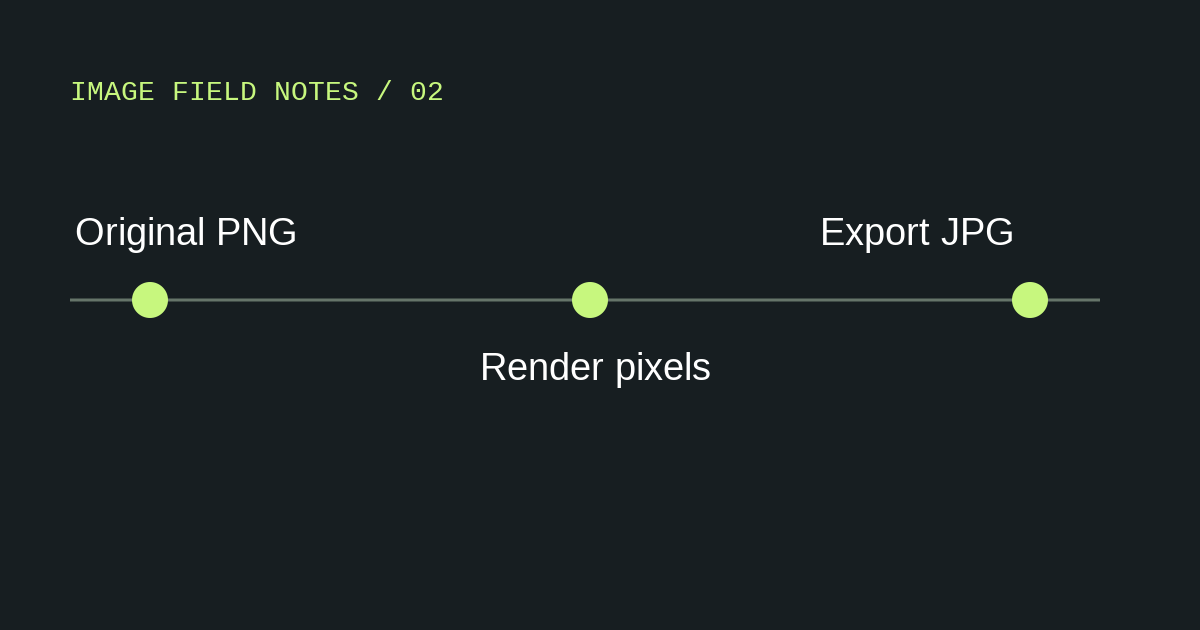
In the batch C2PA metadata remover, choose up to ten PNG or WebP originals. The tool decodes each file, draws its pixels and encodes a new JPG. It does not edit the source file or copy the embedded manifest into the export. Download one thumbnail to check it before downloading the whole ZIP.
Inspect the pixels as well as the record
A transparent logo is a useful test: the transparent area becomes white in the JPG. If the logo is white too, it may disappear against that background. JPG compression can also soften fine lettering. For a transparent deliverable, choose an appropriate output in the image converter instead. For a smaller photo rather than a metadata change, use the image compressor and compare the file sizes.
Check before you send
Open the original and the exported JPG in the credential inspector, one at a time. The source may show signed actions; the new copy should have no embedded credential. That difference describes the files, not their authorship. A visible watermark stays in the pixels, and attribution obligations do not disappear. If someone needs provenance, send the signed original alongside the delivery copy.