
AI App Prototype vs Production App: What Changes After the Demo Works
Getting an AI app to work once is a great feeling.
The prompt works.
The model replies.
The screen looks good.
You can show the idea.
That is a prototype.
A production app has a different job.
It has to keep working for people you do not control.
A prototype proves the idea
A prototype is useful for answering questions like:
- Can this feature work?
- Does the workflow make sense?
- Will users understand the idea?
- Is the model good enough for the task?
You can move fast.
You can use sample data.
You can accept rough edges.
That is fine.
A prototype is not bad because it is incomplete.
It is doing a different job.
Production has to handle the boring things
Once real users arrive, the questions change.
Now you need to think about:
- sign in
- permissions
- private data
- errors
- retries
- rate limits
- cost
- logs
- monitoring
- billing
- backups
- edge cases
These things are not as exciting as the AI feature.
They are still part of the product.
The input gets worse in production
During a demo, you know what to type.
Real users do not.
They paste too much text.
They leave fields empty.
They upload the wrong file.
They enter something you never expected.
Production apps need input rules.
That can mean:
- required fields
- length limits
- allowed file types
- clear examples
- helpful error messages
Good input protects the rest of the system.
The model output also needs rules
A demo can show whatever the model says.
A real app often needs a known structure.
For example, if the app expects a title and description, it should check that both exist.
If the AI is choosing a category, the app should check that the category is allowed.
If the model gives the wrong format, the system needs a fallback.
This is why I like structured output when the application needs predictable data.
Users need accounts and permissions
As soon as an app stores private information, user access matters.
One user should not see another user's data by accident.
API keys should not sit in the browser.
Private actions should run on the server.
Files should have the right access rules.
These are normal software concerns.
AI does not remove them.
Cost changes when usage grows
A prototype may make ten AI calls.
A public app may make thousands.
Now you need to think about:
- model choice
- token size
- repeated requests
- quotas
- abuse
- retries
A feature that costs almost nothing during testing can become expensive at scale.
So production apps often need usage limits and smaller models for simple jobs.
Speed becomes part of the product
Users notice waiting.
An AI call that takes ten seconds may be fine in a demo.
In a real app, you may need a clear loading state, streaming, background work, or a faster model.
The user should always understand what is happening.
Failures need a plan
This is one of the biggest differences.
A prototype can fail and you can refresh the page.
A production app needs to fail safely.
For example:
If an AI request fails, should the app retry?
If a payment succeeds but the next step fails, what happens?
If a file upload stops halfway, does the user lose everything?
If the API is down, can the app explain the problem?
These are product decisions.
Logs become important
When only you use the app, you can often guess what went wrong.
When many people use it, you need evidence.
Useful logs can tell you:
- which action failed
- which service returned an error
- how long a request took
- whether a retry worked
You do not need to log private data carelessly.
You need enough information to understand the system.
Security becomes real very quickly
The moment an app has accounts, payments, private files, or API keys, security stops being a future task.
You need to think about:
- server-side secrets
- access control
- secure sessions
- rate limiting
- file permissions
- safe database rules
This is not special to AI apps.
It is normal product work.
The interface also changes
Prototype screens often prove one happy path.
Production needs more states.
For example:
- empty state
- loading state
- success state
- error state
- no permission state
- usage limit reached
These states make the product feel complete because they tell the user what is happening.
A simple example
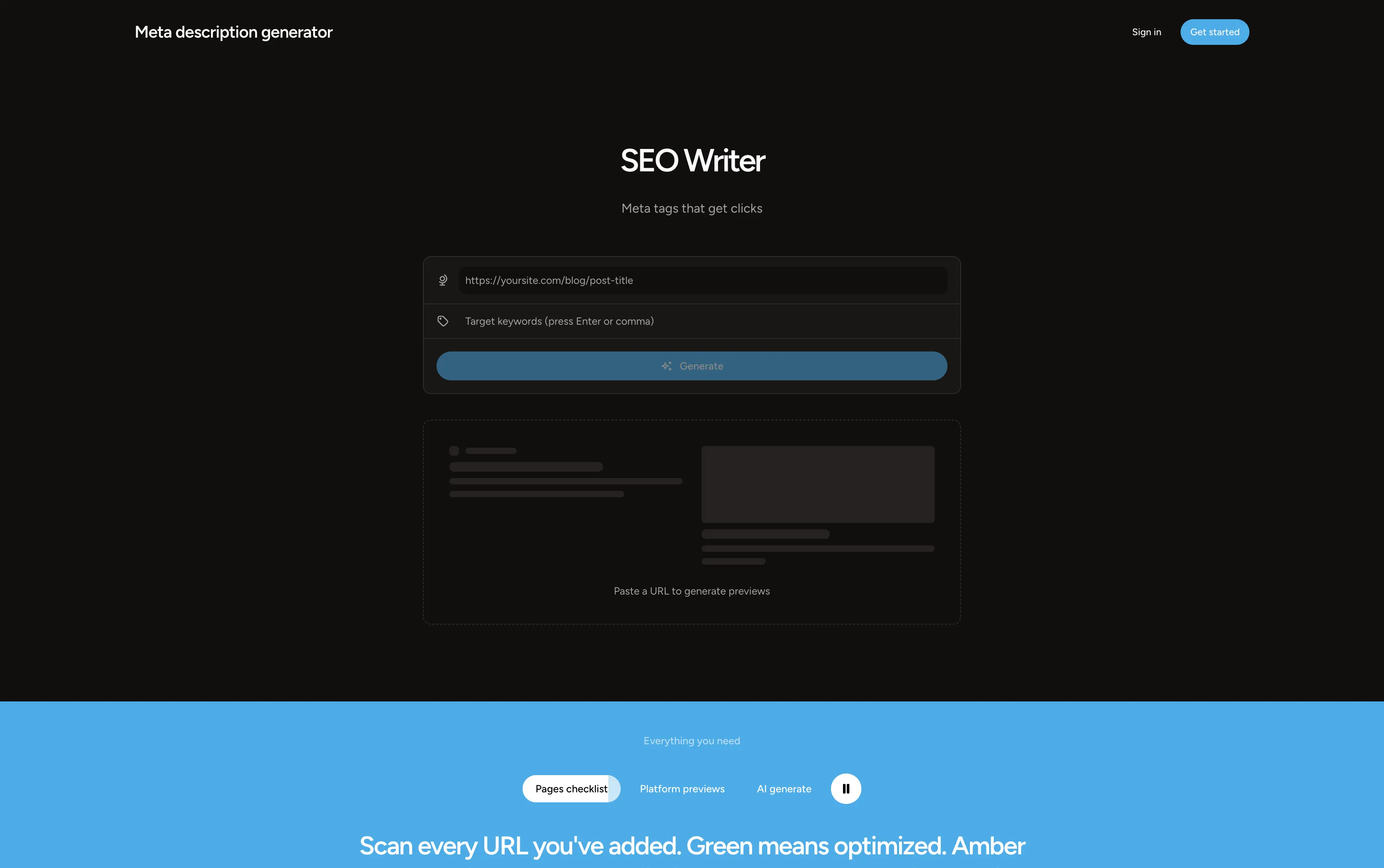
Imagine an AI metadata tool.
Prototype:
Topic → model → title and description
Production version:
User account → topic validation → usage check → server-side AI call → structured result → length validation → preview → save result → error logging
The AI idea is the same.
The system around it changed.
That is the difference.
This does not mean every portfolio app needs production infrastructure
Not every idea needs a full backend.
A UI prototype can still show product thinking.
A public demo can still be useful.
The important thing is to be clear about what is real.
On my AI app portfolio, I separate UI-focused product prototypes from apps that include real backend behavior such as AI generation, private demo storage, or sandbox payments.
That honesty is more useful than pretending every demo is a production SaaS company.
What I learned
The last 20 percent of an app can contain a lot of the difficult work.
Not because the feature is harder.
Because the system now has to handle people, failures, data, and time.
That is why I think of AI as one component inside a normal software product.
I explain that idea in more detail in what I learned building AI apps.
The main lesson
A prototype asks:
Can this work?
Production asks:
Can this keep working safely for real people?
The demo proves the feature. Production proves the system around the feature.
Further reading
Developers regularly discuss the gap between an AI demo and production, especially around failures, auth, private data, monitoring, and cost. A recent discussion about the “almost done” problem in AI-built apps describes many of the same production concerns.